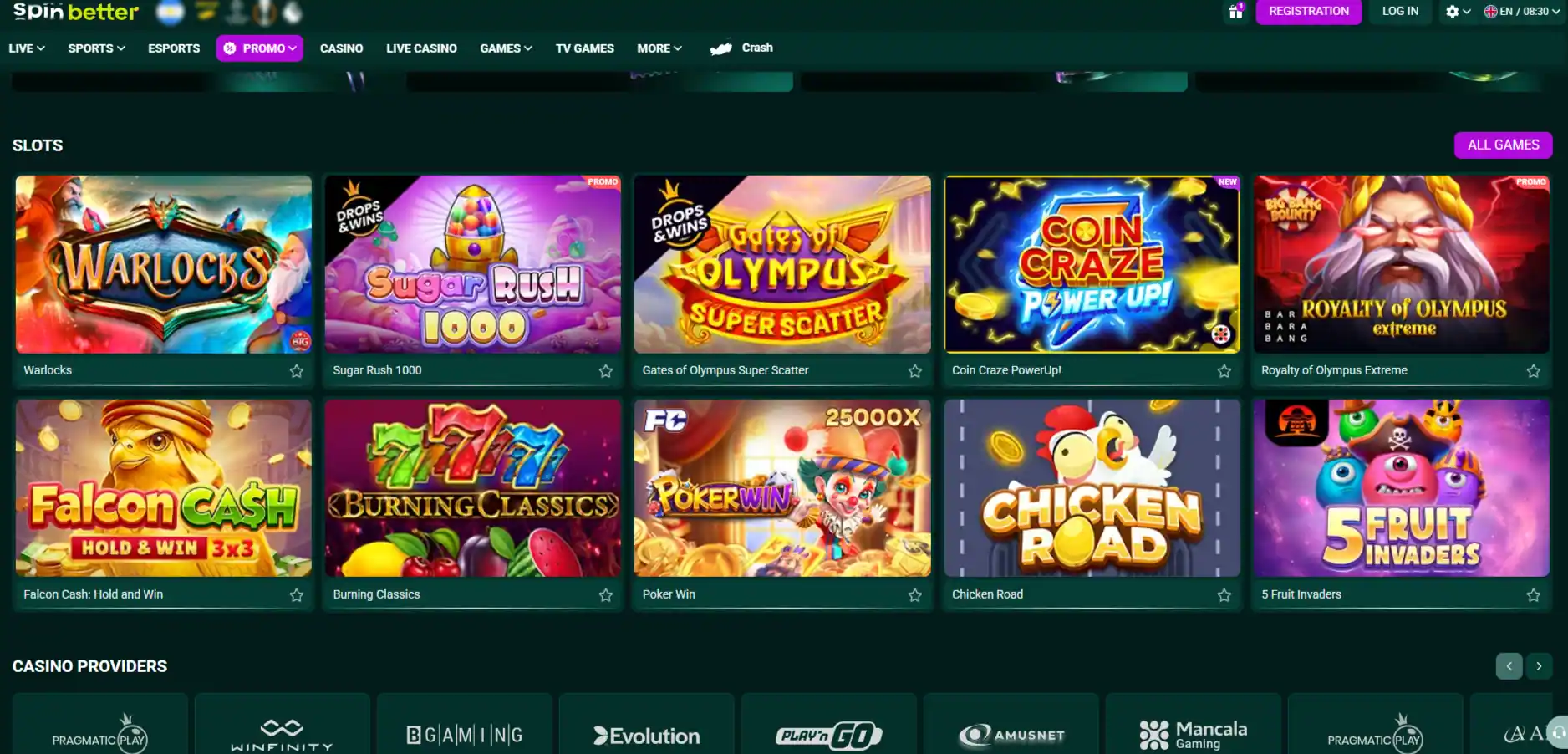


SpinBetter mobile review: browser, Android and iPhone status
 Available in US
SpinBetter works in mobile browsers, and current independent sources identify an Android app or APK. Sources conflict on whether a dedicated iPhone app currently exists, so this guide does not treat one. For both platforms, the mobile website on the official SpinBetter domain is the simplest baseline option. Treat any downloadable file as software that needs a confirmed official source, current version information and reasonable permissions before installation.
Table of Contents
- Current mobile options
- Use the mobile website as the baseline
- Android provenance checklist
- iPhone status is unresolved
- Compare browser and Android by real tasks
- Permissions should match the task
- Login security on a shared device
- Updates require the same provenance test
- Test the cashier without transacting
- Casino and sportsbook practical checks
- Connection interruption and duplicate actions
- Privacy on a mobile screen
- Responsible-play controls must remain reachable
- When the browser is the better choice
- When Android software adds value
- Set up the account before choosing an app
- Keep an exit route available
- Mobile convenience should not weaken account controls
- The safest verified route to SpinBetter on mobile
Current mobile options
| Route | Status | Practical choice |
|---|---|---|
| Mobile browser | Supported | Use the official website without installing software |
| Android app or APK | Identified by current independent sources | Install only when the official site supplies and identifies the file |
| Dedicated iOS app | Conflicting evidence | Use Safari or another trusted browser unless an official store listing is verified |
An icon on a home screen does not prove that software is genuine. A browser shortcut can resemble an app, while an unofficial file can copy the brand. Judge provenance, not appearance.
Use the mobile website as the baseline
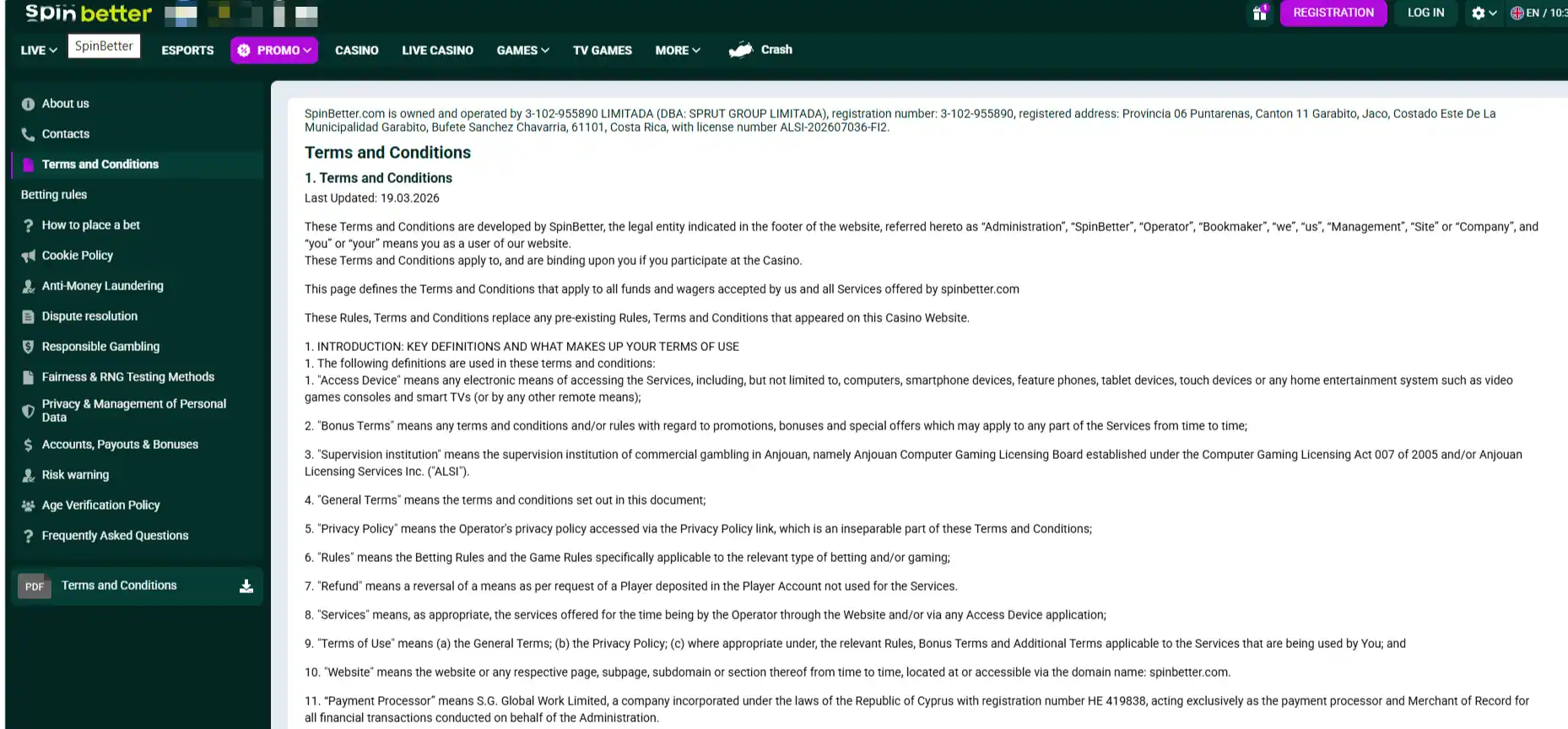
Browser access avoids a separate install and receives interface updates from the website. Open the address independently, verify the domain and bookmark it only after checking the connection. Do not use links from unsolicited messages, search ads or mirror pages.
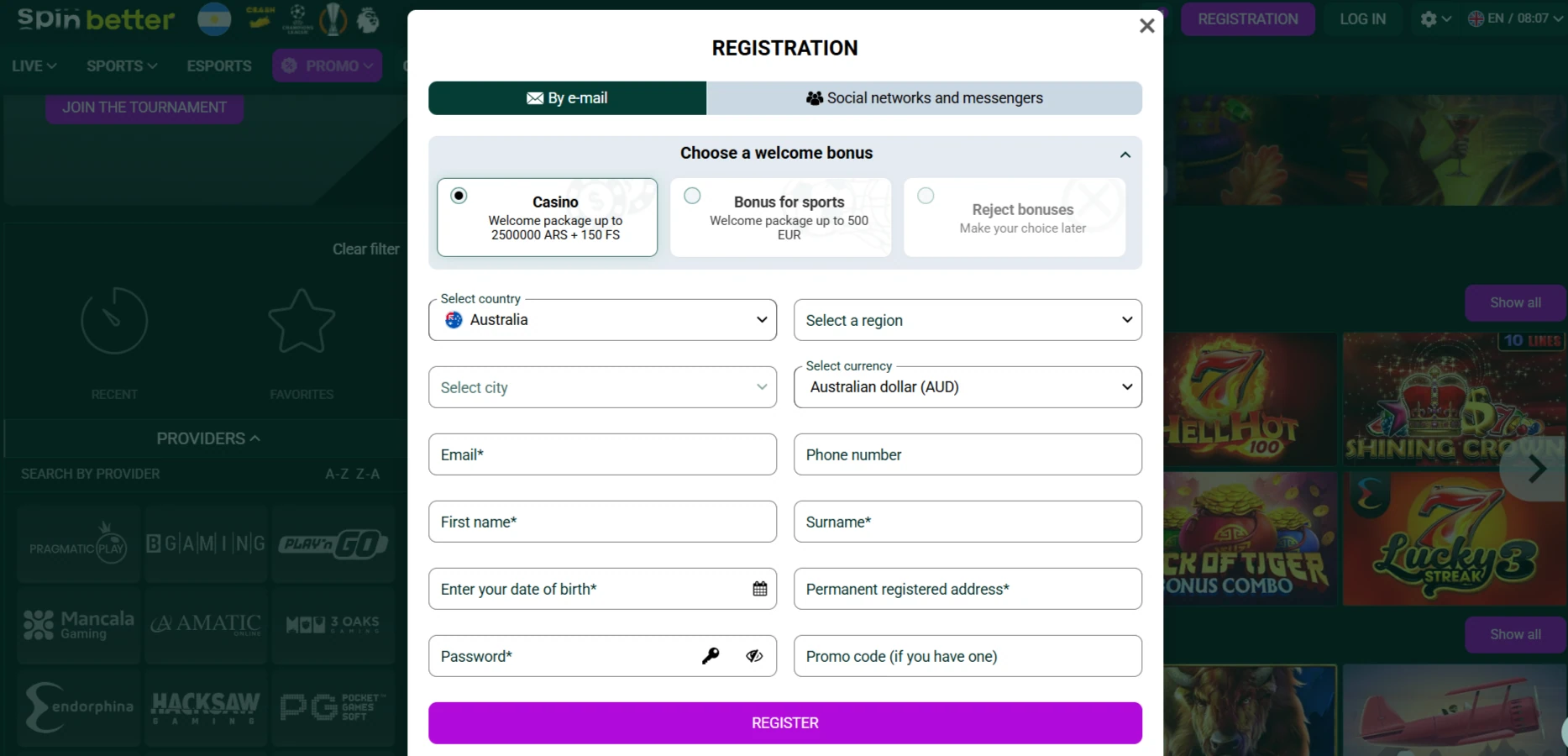
Test registration information, login, account history, responsible-play controls, game rules, sportsbook rules, cashier and support. The mobile website is useful only if these core tasks remain accessible on a narrow screen.
Android provenance checklist
- Start on the official domain. Do not search for a generic APK download.
- Confirm the publisher statement. The page should identify the file as SpinBetter software.
- Record version and date. Missing provenance is a reason not to install.
- Review the download origin. Avoid mirrors, file-sharing pages and shortened links.
- Inspect permissions. Reject requests unrelated to login, notifications or normal app function.
- Use device security. Keep Android and malware protection current.
- Revoke install permission. If temporary external-source permission was required, turn it off afterward.
No unofficial sideload route
This guide does not provide a mirror, APK file or workaround. If the official SpinBetter site does not supply a verifiable current download, use the mobile browser.
iPhone status is unresolved
One current source identifies iOS availability while another states that no iOS version exists. Without a current official App Store listing or download page, a dedicated iPhone app should not be assumed. Do not install configuration profiles or enterprise certificates offered by third parties.
Safari access remains the practical route when the mobile website is available. A home-screen bookmark can improve convenience without pretending to be a native app. Recheck provenance if SpinBetter later publishes an official store link.
Compare browser and Android by real tasks
| Task | Browser check | Android check |
|---|---|---|
| Login | Password manager and authentication flow work | Same controls plus app integrity |
| Cashier | Methods, currency and limits remain readable | No hidden webview or unexpected permission request |
| Games | Rules, stake and history fit the screen | Rotation and return behaviour are stable |
| Sportsbook | Market and bet slip remain visible together | Odds changes and confirmation are clear |
| Support | Chat opens without covering account context | Transcript and case reference can be retained |
| Controls | Limits and exclusion remain easy to reach | Controls are not buried behind app-only menus |
Permissions should match the task
A gambling app does not need unrestricted access to contacts, call logs, SMS history or device administration for ordinary account use. Camera or photo access can be relevant when the user deliberately uploads verification evidence, but it should be requested in context rather than at first launch.
Use the operating system’s permission manager and choose limited access where available. Disable permissions that have no clear function. If the app refuses normal use without unrelated access, return to the browser.
Login security on a shared device
Use a unique password and available multi-factor protection. Avoid saving credentials on a shared phone, and do not leave an active session in the app switcher. Device biometrics can protect local access, but they do not replace account security.
Never give a password or one-time code to live chat. SpinBetter lists English chat 24/7 and email support, but genuine support should not need authentication secrets. If a message asks for them, close it and return through the official site.
Updates require the same provenance test
An initial official install does not make every future update trustworthy. Prefer an update channel linked from the same official source used for the original installation. Record the version and review permission changes before accepting.
If an Android package suddenly requests broader access or changes its signing or origin, pause. Use the browser while the official source is clarified. Never download an update from a chat attachment.
Test the cashier without transacting
Open deposit and withdrawal screens to check layout, AUD display, payment destinations and access to terms. Do not submit a payment merely to test mobile design. Long addresses, limits and fee wording must wrap or scroll within their component rather than disappear beyond the screen.
For actual funding choices, use the SpinBetter payments guide. Mobile convenience does not guarantee a method’s Australian availability or a simple return route.
Casino and sportsbook practical checks
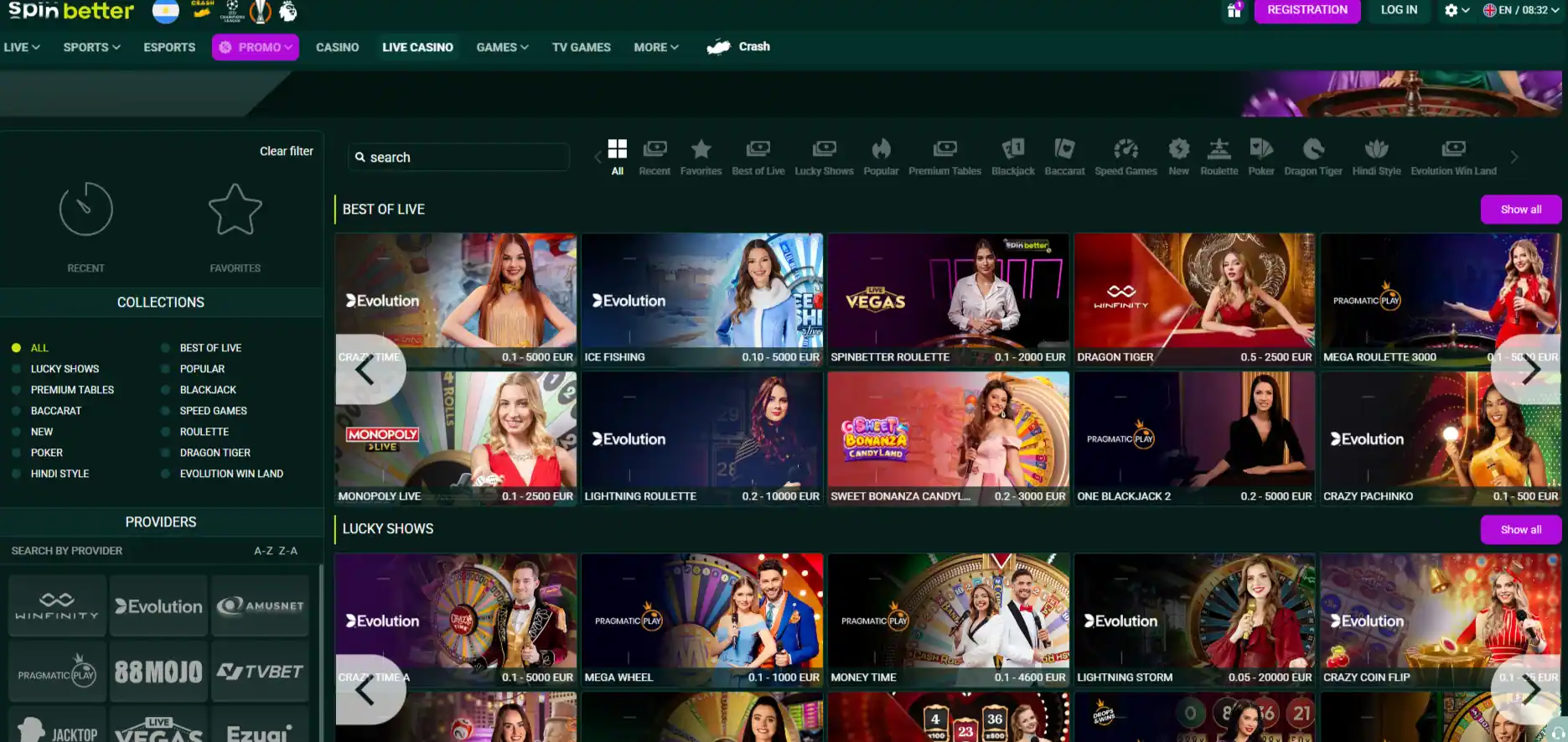
For the casino, confirm that game rules, total stake and history remain accessible around a launch. The SpinBetter games provides the lobby audit. For wagering, verify that event, market, selection, odds and stake are visible before confirmation.
The SpinBetter sportsbook Australia explains market, bet-slip and settlement checks. Switching between products should not obscure balance or account controls.
Connection interruption and duplicate actions
Test how the interface recovers after moving between Wi-Fi and mobile data without placing a wager. If a paid action appears interrupted, check transaction or game history before repeating it. A missing animation is not proof that the instruction failed.
Record the timestamp, device, connection state and visible status if a dispute occurs. Stable recovery is more important than fast animation.
Privacy on a mobile screen
Hide notification previews for account and payment messages. Avoid captures containing balances, identity documents, email addresses or wallet details. Store verification files securely and remove unnecessary local copies after the process is complete.
Public Wi-Fi adds avoidable exposure. Use a trusted connection for login, cashier and document upload. Do not bypass regional or security controls with an unknown VPN or mirror.
Responsible-play controls must remain reachable
Mobile access can shorten the distance between an impulse and a wager. Locate deposit limits, cooling-off, exclusion and activity history before play. SpinBetter lists these categories of control, though exact periods should be checked in the account.
Set device-level screen time or payment controls where useful. A mobile app should not make stopping harder than the website. If it does, uninstall it and use stronger barriers.
When the browser is the better choice
Choose the browser when the download source is unclear, permissions are excessive, the app is outdated or the iOS listing cannot be verified. Browser access can also be easier to inspect because the domain and page links remain visible.
An app is worthwhile only when it improves core tasks without weakening provenance, privacy or control. Faster access alone is not enough.
When Android software adds value
An Android build can offer smoother navigation, stable full-screen play or notifications when it comes from the official source. Test those benefits against the browser using the same account tasks. Disable promotional notifications that encourage unplanned sessions.
Keep a browser fallback for terms, support and account recovery. Do not let a broken app become a reason to use an unofficial replacement.
Set up the account before choosing an app
Confirm your identity details, currency and security settings through the official website. The SpinBetter registration Australia covers that setup process. Software choice should follow account verification, not substitute for it.
Keep recovery information outside the gambling app and protect the associated email. The safest mobile route depends on the security of the whole account chain.
Keep an exit route available
Before regular use, confirm that logout, password change, support, transaction history and responsible-play controls can all be reached without reinstalling software. Save the official website address separately from the app. If the mobile route fails, account recovery should not depend on the same broken or untrusted installation.
Remove stored downloads and obsolete packages after a successful update. They can be mistaken for the current version later. A clean device and a documented official source reduce confusion when access changes.
Mobile convenience should not weaken account controls
A phone makes access easier, but it can also compress terms, hide navigation and encourage shorter decision cycles. Before using the mobile site or app route, locate transaction history, account limits, support and logout controls on the actual device. If an important rule or security control is difficult to reach on a small screen, use a larger device for that account task instead of guessing.
The safest verified route to SpinBetter on mobile
The mobile website is the clearest baseline route for both Android and iPhone. Android software can be considered only when its current file and publisher are confirmed from the official SpinBetter source. Because iOS information conflicts, use the browser unless a current official store listing is available, and judge every route by permissions, security and access to core controls.
Mobile guide
Created by the ”SpinBetter Casino” editorial team.